

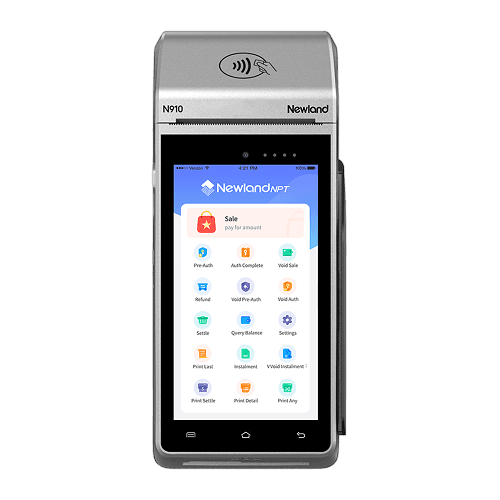
Newland® N910
Standalone portable card reader
- All in one
- Dual camera
- Wireless connectivity
- Powerful & stable
- Multi-function dock
- Delicate design
$14.90excl. tax
Wireless card machines for any business
All Paymate payment terminals come with Wi-Fi connectivity and free unlimited mobile data with a built-in SIM card. You can rely on a long-lasting battery for a full day of accepting card payments on the go.

Wireless terminals
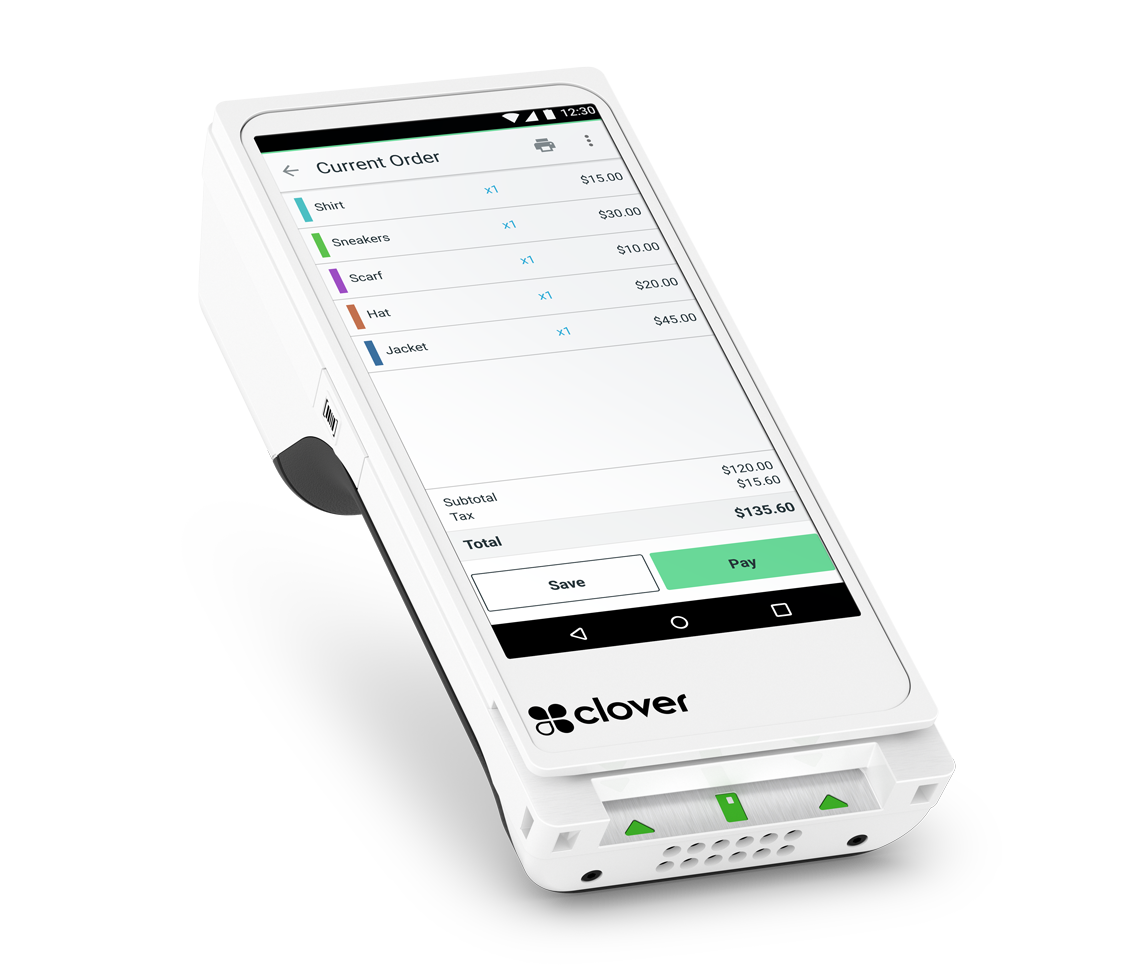
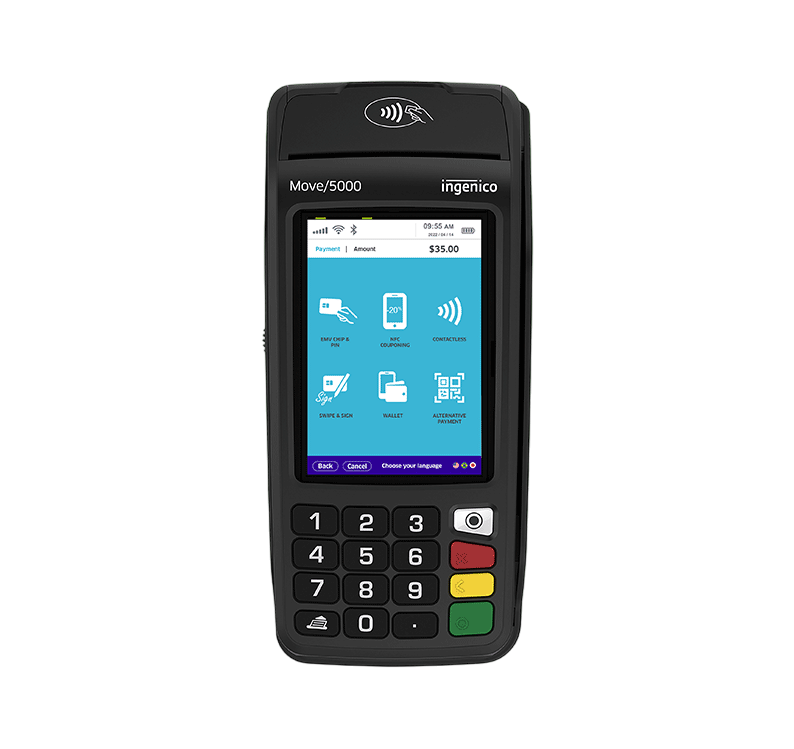
Standalone portable card reader
$14.90excl. tax
The revolutionary terminal that started it all
$14.90excl. tax
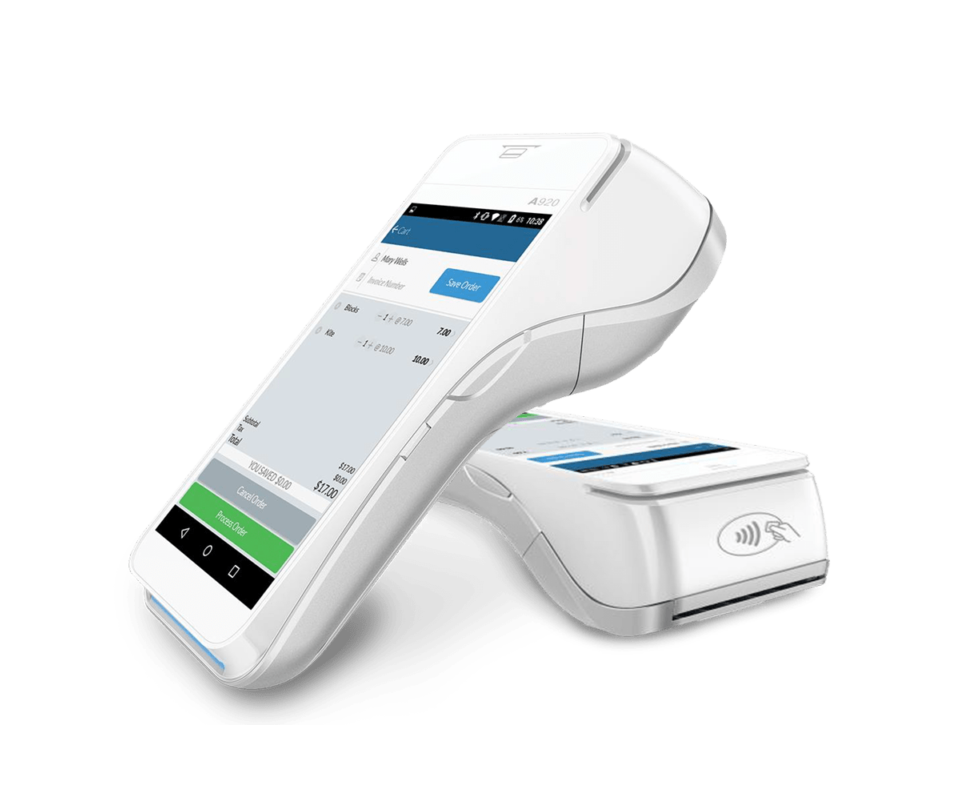
Accept quick and secure payments anywhere
$14.90excl. tax
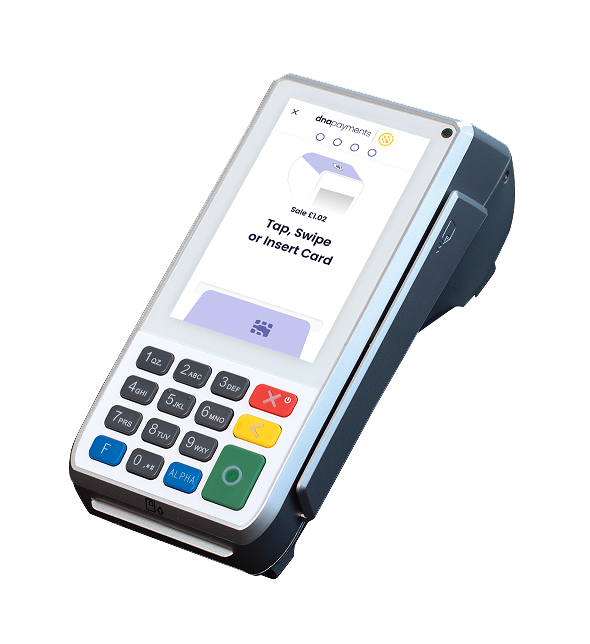
Serve customers better – at the counter
$14.90excl. tax
In-store and online
Offering a full suite of features for accepting in-store and online card payments.
Take in-store or on-the-go credit and debit card payments without connecting to a phone.
The built-in SIM card always connects to the strongest 4G network, while the Wi-Fi module ensures a reliable backup.
From contactless and Chip & PIN credit and debit cards to digital wallets like Google Pay, Apple Pay and Samsung Pay.
Sign up online with no long-term commitments or monthly fees. Get your money in under 3 seconds, 24/7.
Get a free Mastercard to use locally and abroad. Add it to your Apple Pay or Google Pay for contactless payments.
Accept payments on the go and track every sale through the free Paymate app. Available on Apple, Google Play and Huawei stores.
Pricing
Let’s keep it simple. No added charges, or small print surprises. Only pay fees after your transactions.
 Rent or lease
Own your POS
from $49.99/month
Lease a Paymate POS terminal with flexible monthly payments. Take control of your business without straining your budget.
Lease todayUnder $10,000 in monthly card turnover
$0fixed monthly costs
1.10% + $0.07 per transaction
For smaller businesses or new starters. A $100 payment means $98.83 in your Paymate account.
Over $10,000 in monthly card turnover
Bespoke
For businesses already growing, managing larger transactions, or entering new markets. Get a bespoke quote tailored to your exact business needs.
Please note that our per-transaction fee consists of a percentage of the transaction amount, which varies across payment methods, along with a small fixed fee.
FAQs
Short answers on terminals, fees, payouts and security.
Yes, creating a Paymate account will grant you access to our comprehensive platform, offering all the essential tools and features to manage your payments, free of cost, as there are no set-up or monthly service fees.
You can keep track of transactions, issue invoices, generate payment links and transfer funds between accounts. Moreover, funds from card payments received through your Paymate device, online checkout, or a payment link will be instantly deposited into your Paymate account.
Card payments take just a few seconds to process, and the money is immediately transferred to your Paymate account. This allows you to access funds promptly, using them to resolve urgent business expenses or allocate them as you see fit.
Activating your Paymate device is pretty straightforward. All you need to do is set up your Paymate business account and complete our online identification process. Follow these steps to get up and running with Paymate:
Step 1. Start creating your free Paymate business account by downloading our mobile app.
Step 2. Complete the online identification process to help us get to know you and your business better.
Step 3. Our team will review and verify the information you provided.
Step 4. Once your account is set, activate your new Paymate card machine and the business card you received with it from the web account or the app.
Step 5. That’s it! Your device is now ready to use and accept card transactions.
ClickTap or swipe anywhere to continue exploring
Paymate · protected content